Less work
between the work.
Build a better way.
A customer app, an internal tool, a dashboard, or a standalone platform. Turn a defined business need into a practical system people can understand and use.
Or text 504.296.9696Features and integrations are defined for each project.
be useful.
Yes, we build apps.
Put an idea to work.
From a fishing charter to a metal supplier. From a play café to a tool that runs the day. Explore the sites, compare the rebuilds, and try a little of what an app can do.
Try an interactive demo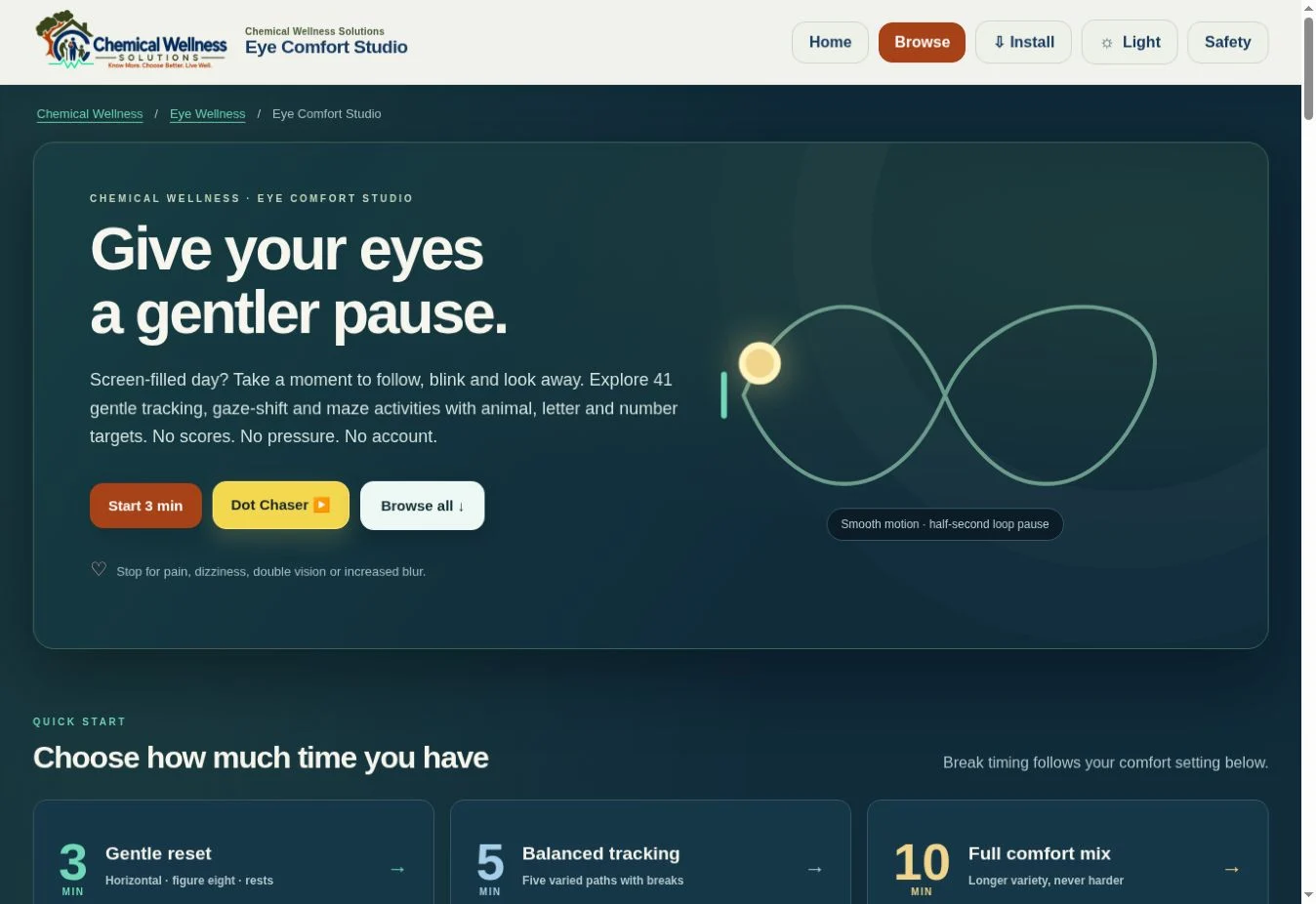 Public app · local comfort settings
Eye Comfort Studio
An installable screen-break app with gentle tracking paths, gaze shifts and maze activities. Explore without an account; comfort settings stay on your device.
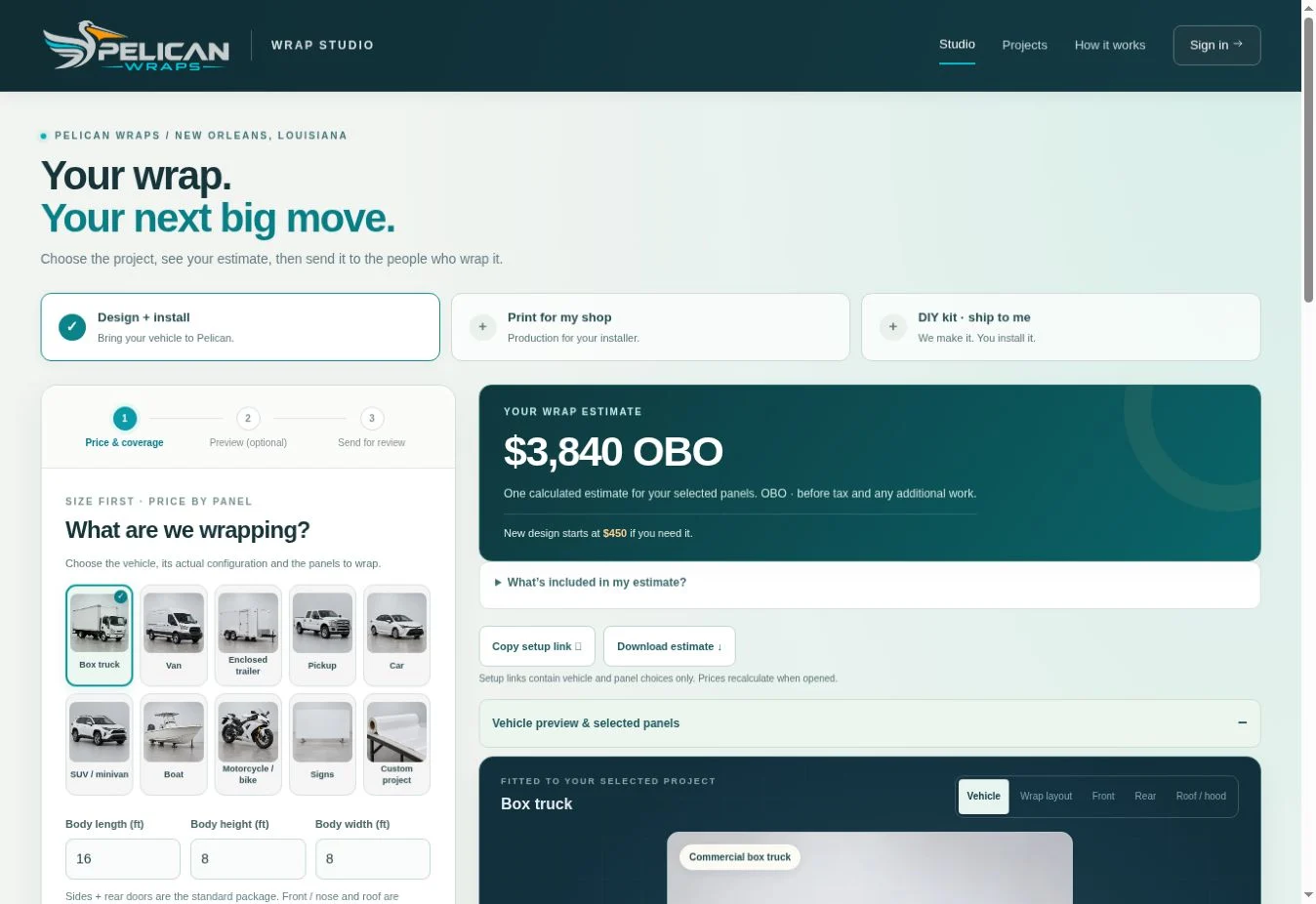 Public wrap studio · estimate & preview
Pelican Wrap Studio
Choose a vehicle, compare panel coverage, preview a wrap and prepare a project for the Pelican team to review. Explore without an account.
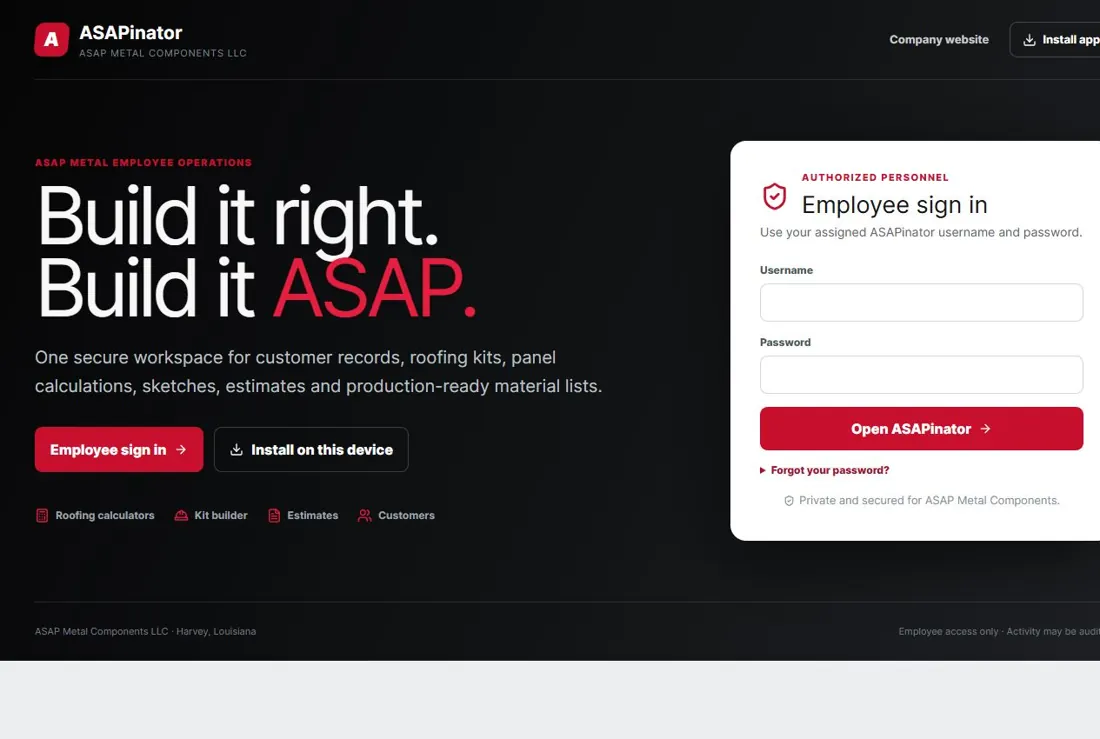 Operations app · sign-in preview
ASAPinator
A business operations app for ASAP Metal, with quoting calculators, kit-building tools, and migration workflows.
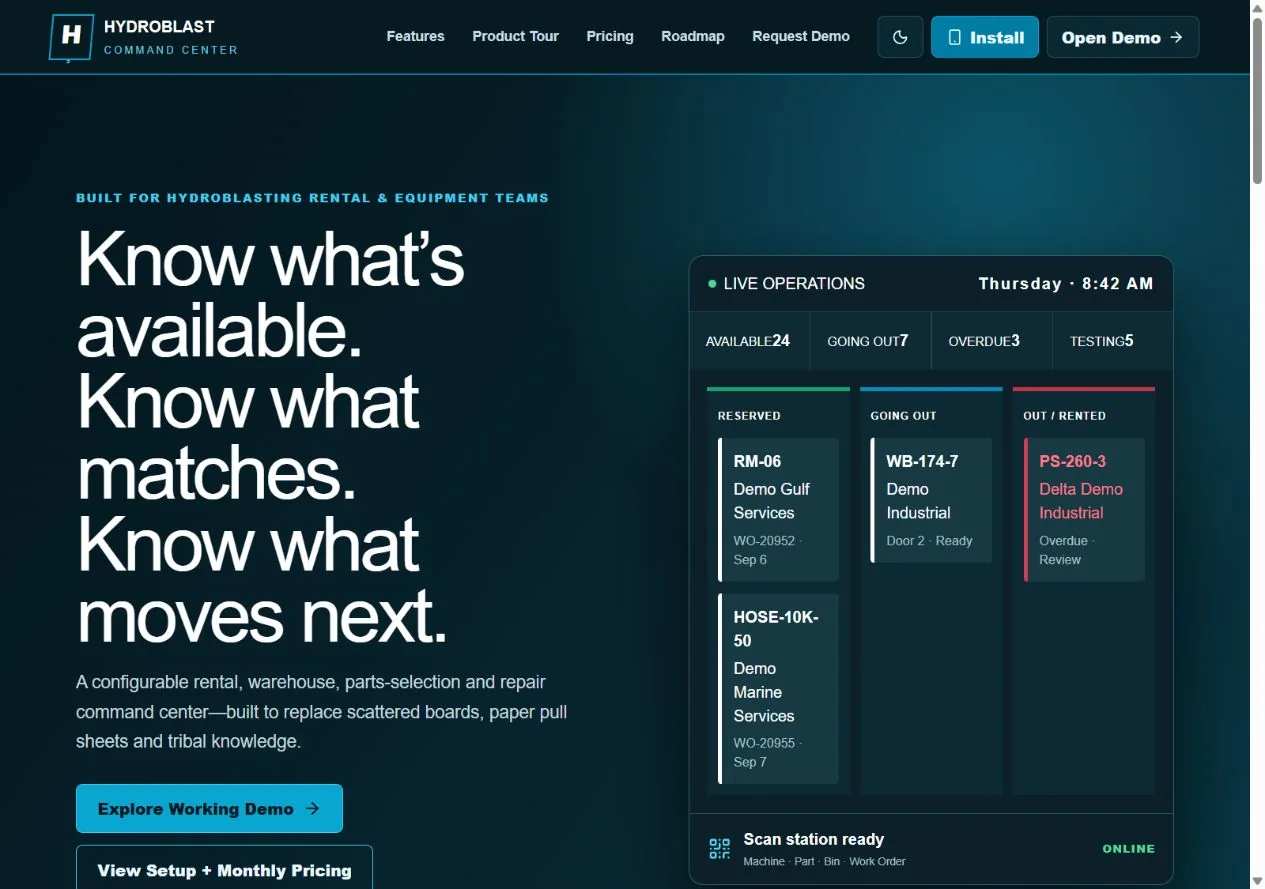 Public product tour + demo
HydroBlast Command Center
A RankDat-owned working demo for equipment availability, rental operations, warehouse work, and parts selection.
 Working demo · sample data
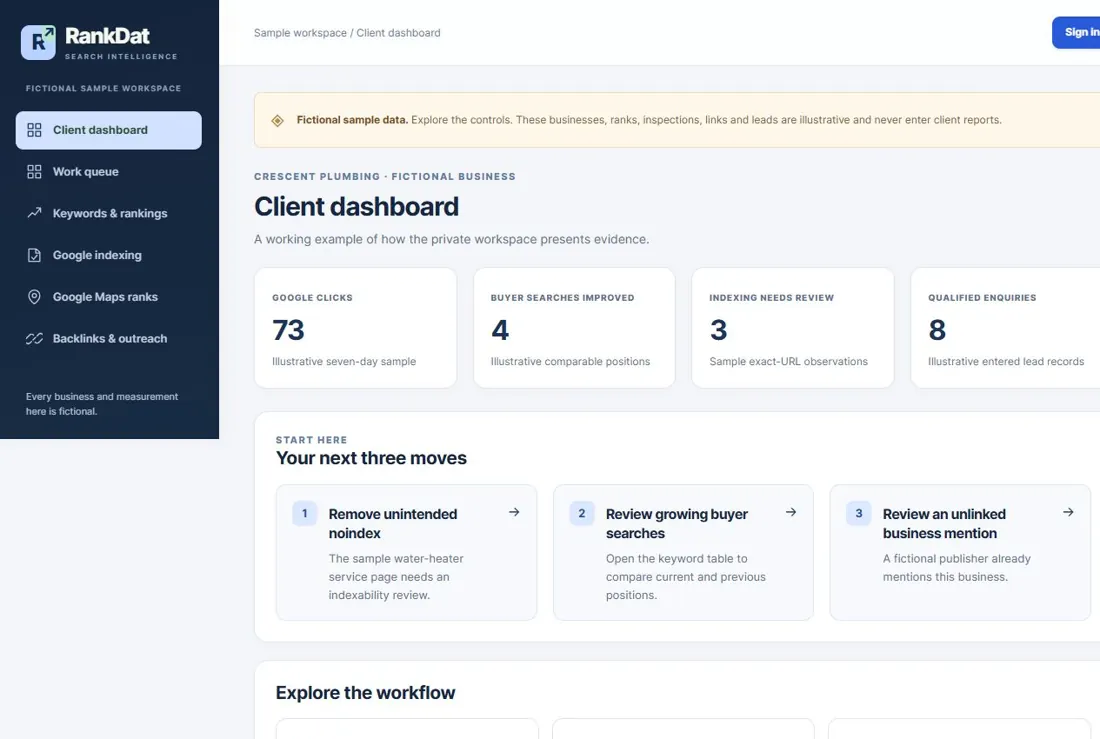
SEO Rank Tracker
A search visibility and keyword-tracking tool for reviewing movement, website issues, and the next useful fix.
 Public product overview
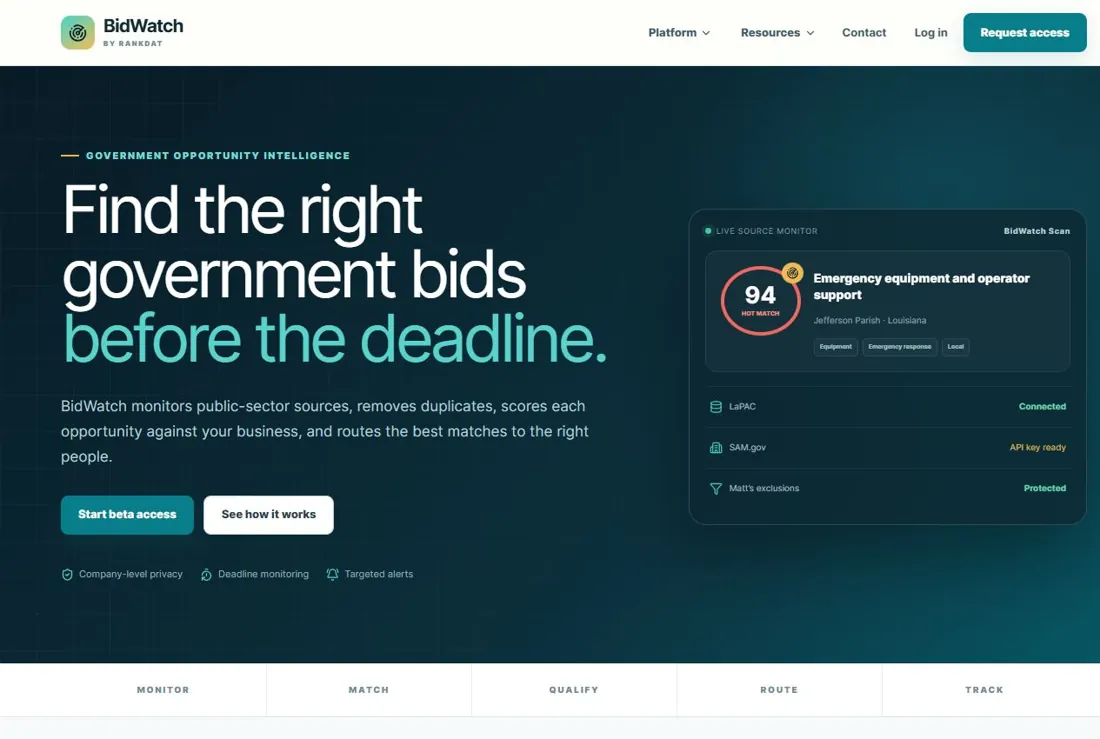
BidWatch
A government-opportunity discovery and matching app, with watches, alerts, and deadline organization.
 Working demo · fictional data
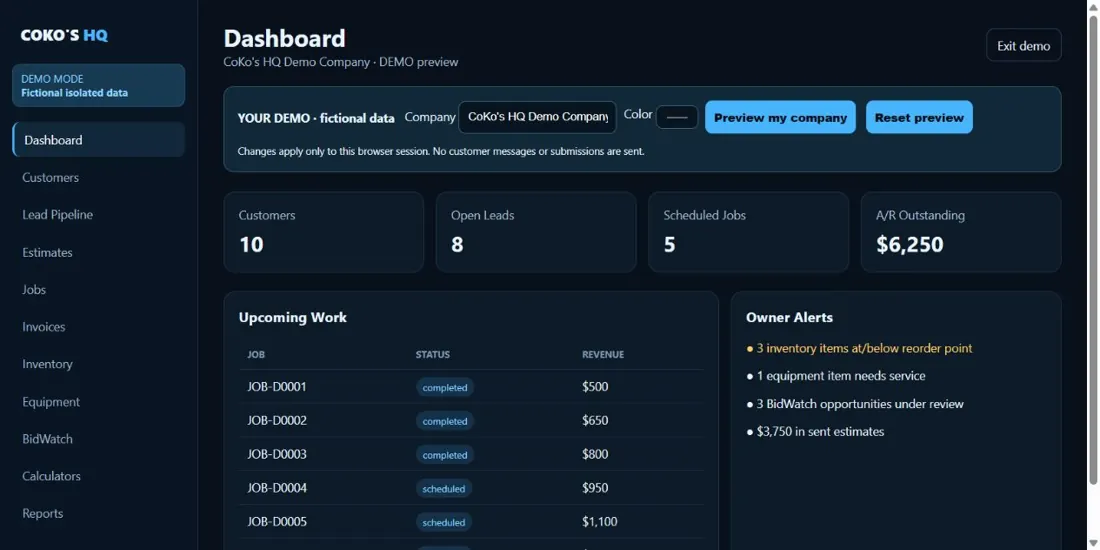
Pressure Washing Quotes
A service-business operating system for leads, estimates, scheduling, jobs, and reporting. Explore the isolated public demo with fictional company data.
 Public Live Lab · MT4 demo accounts
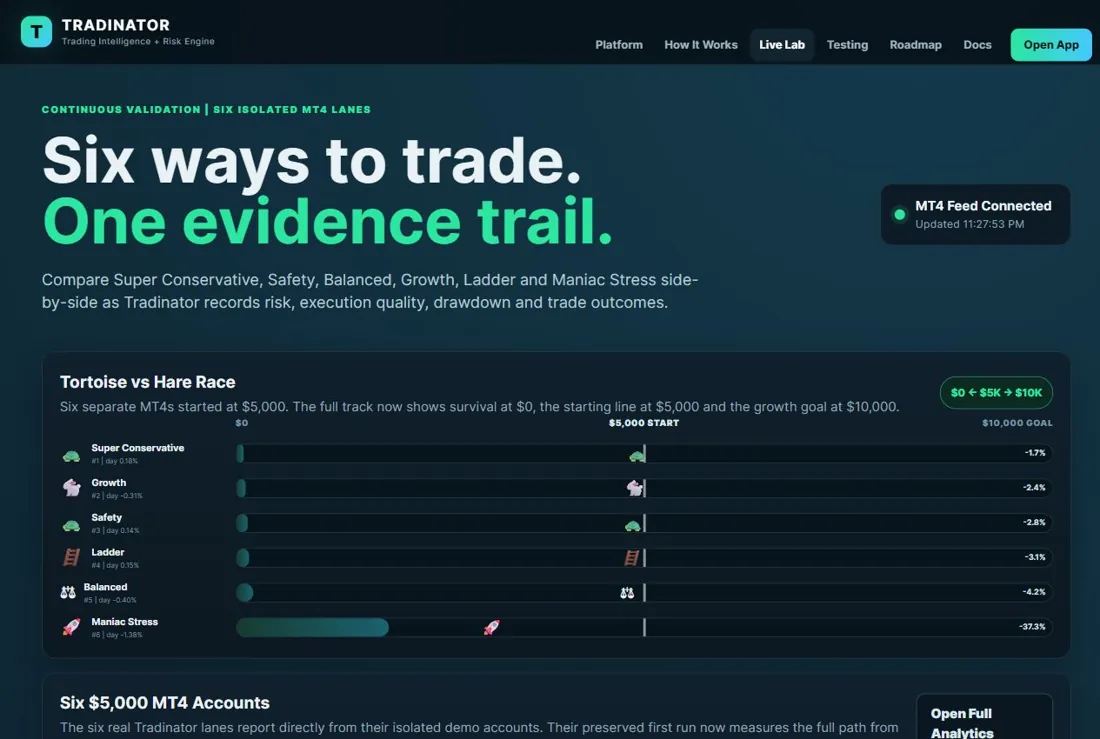
Tradinator — Trading Platform
A trading-intelligence and risk-control project with a public Live Lab comparing six MT4 demo-account lanes.
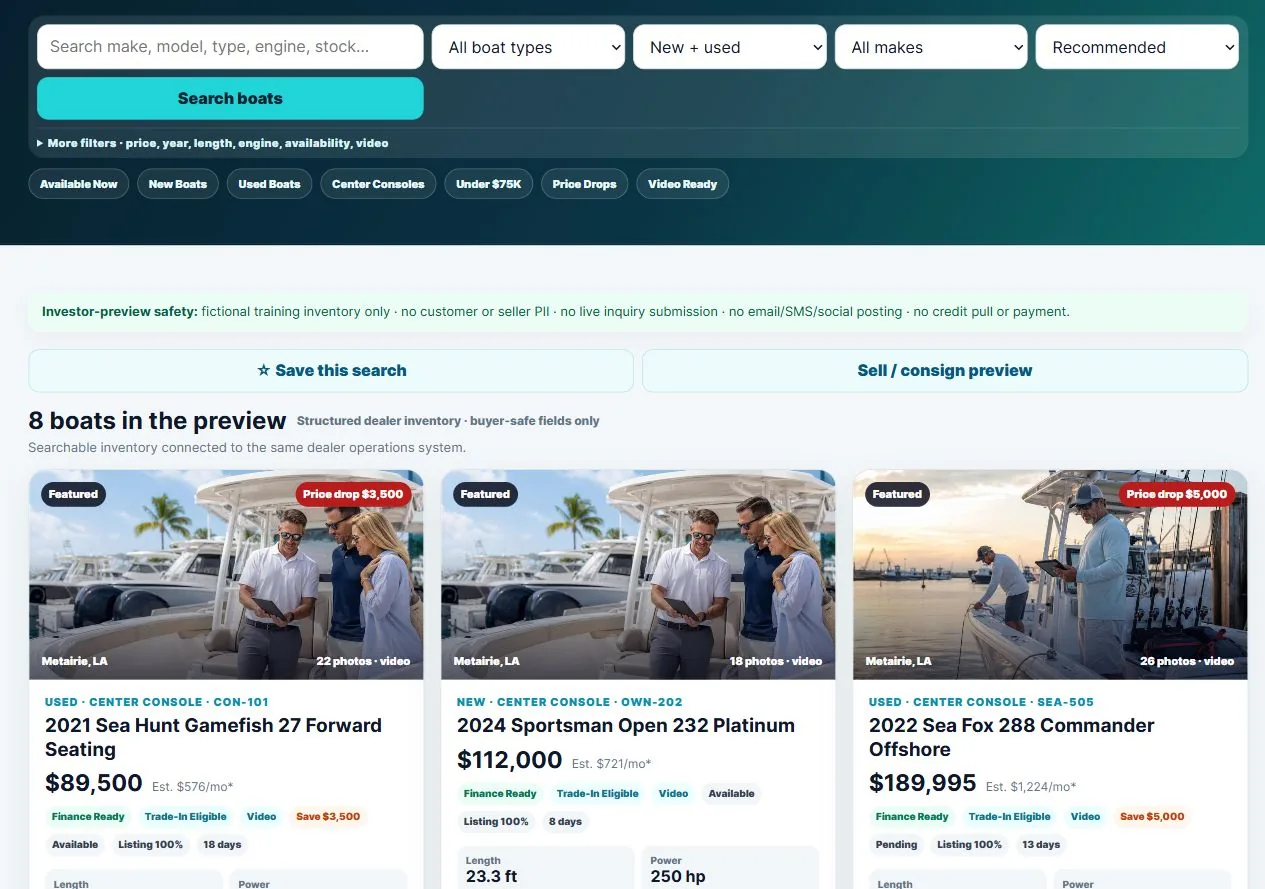 Boat marketplace preview · fictional inventory
75-Industry CRM & Marketplace
A business platform with 75 industry packs for CRM, estimates, scheduling, and operations. Explore its boat-dealer marketplace with searchable inventory and connected deal workflows.
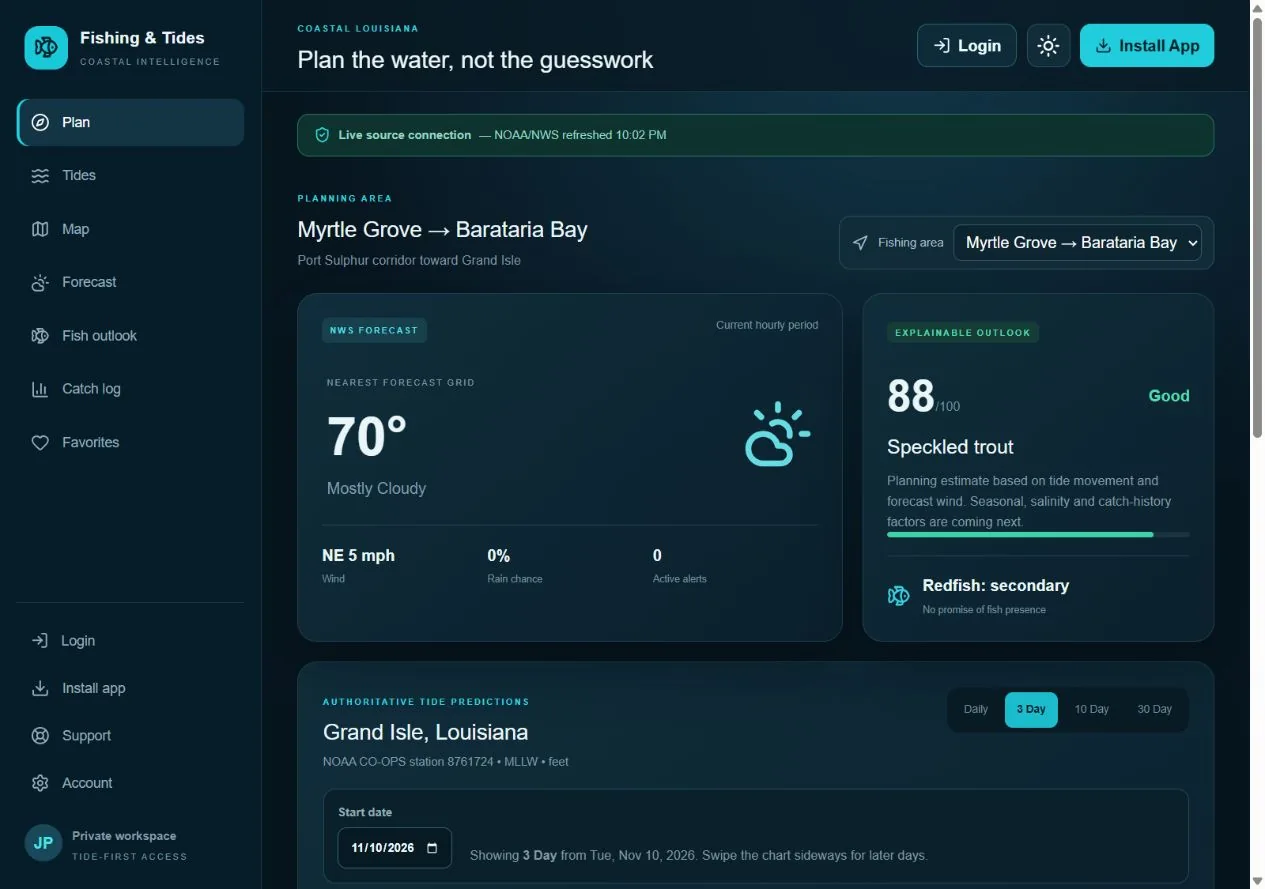 Public app · private workspace features
Fishing & Tides
A coastal Louisiana planning app that brings fishing and tide information into one focused experience.
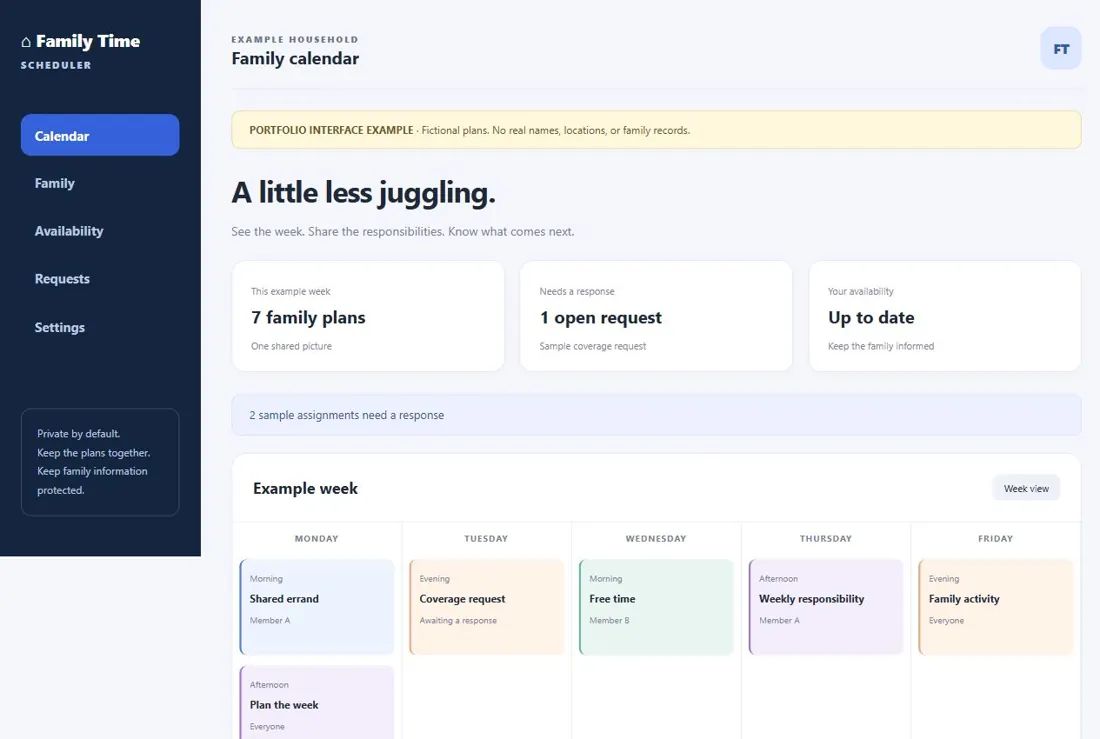 Sample interface · private app
Family Time Scheduler
A private family scheduling project. This portfolio interface example uses fictional people and plans, with no live family records.
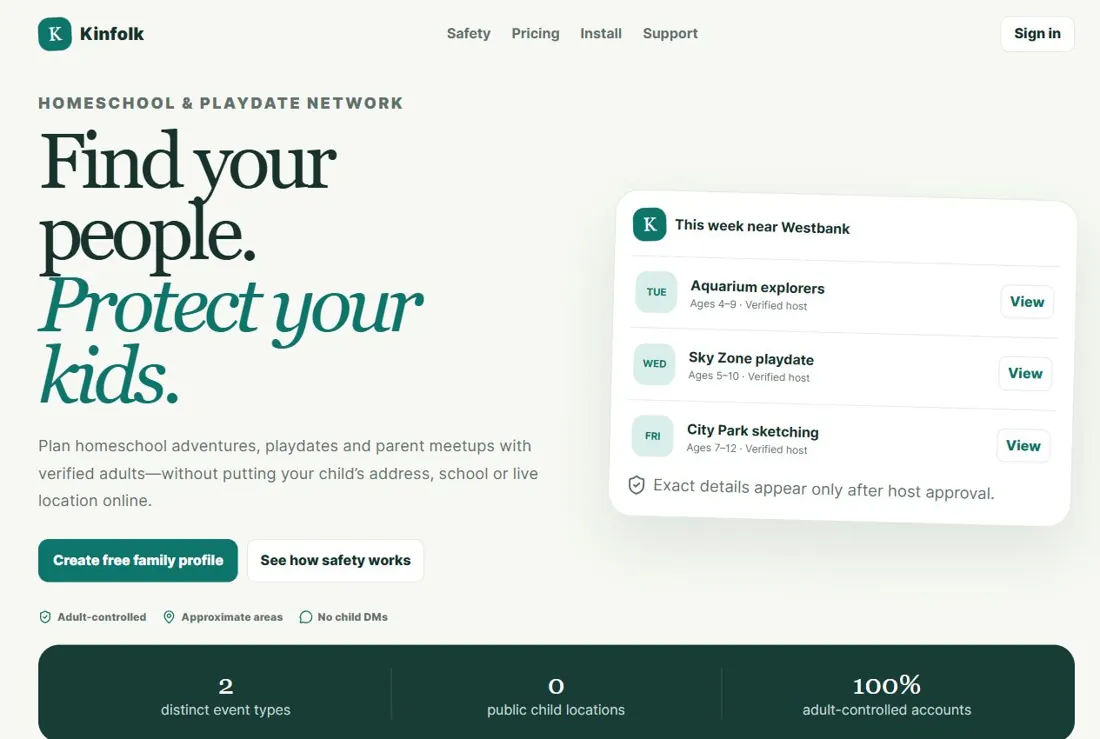 Public app overview
Kinfolk — Homeschool & Playdates
A homeschool and playdate community app with an adult-controlled public introduction and private event details.
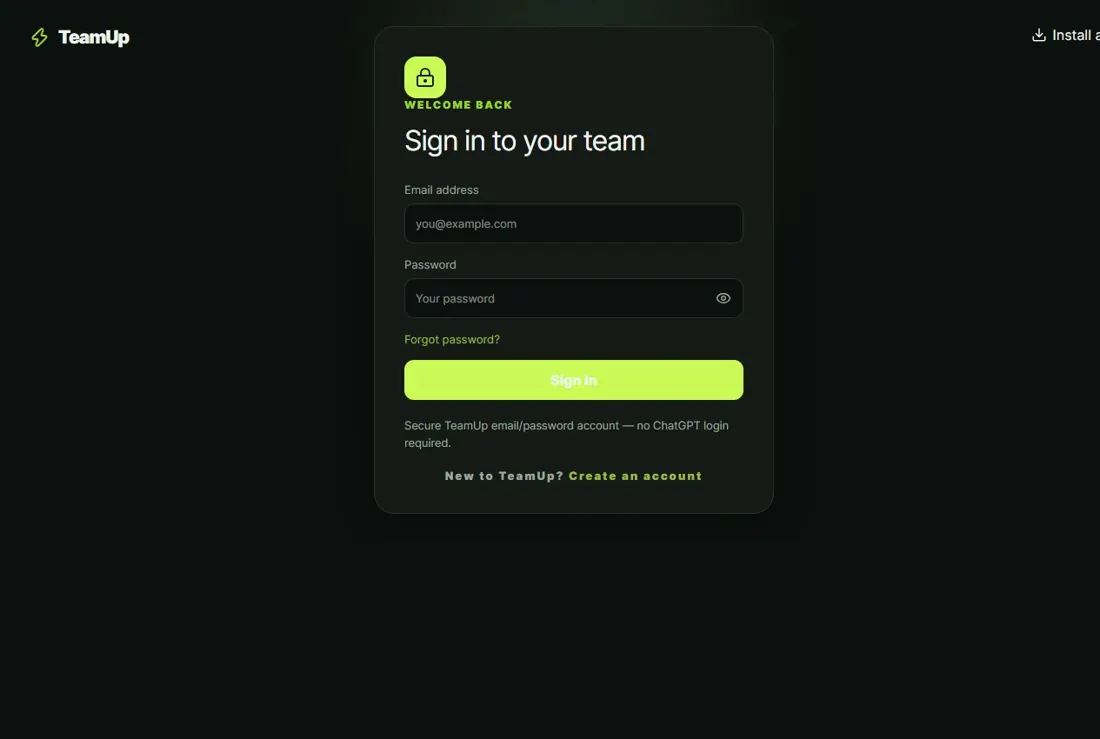 Secure app · sign-in preview
TeamUp Sports Scheduler
A place to organize games, practices, matches, and activities with teams, friends, and family.
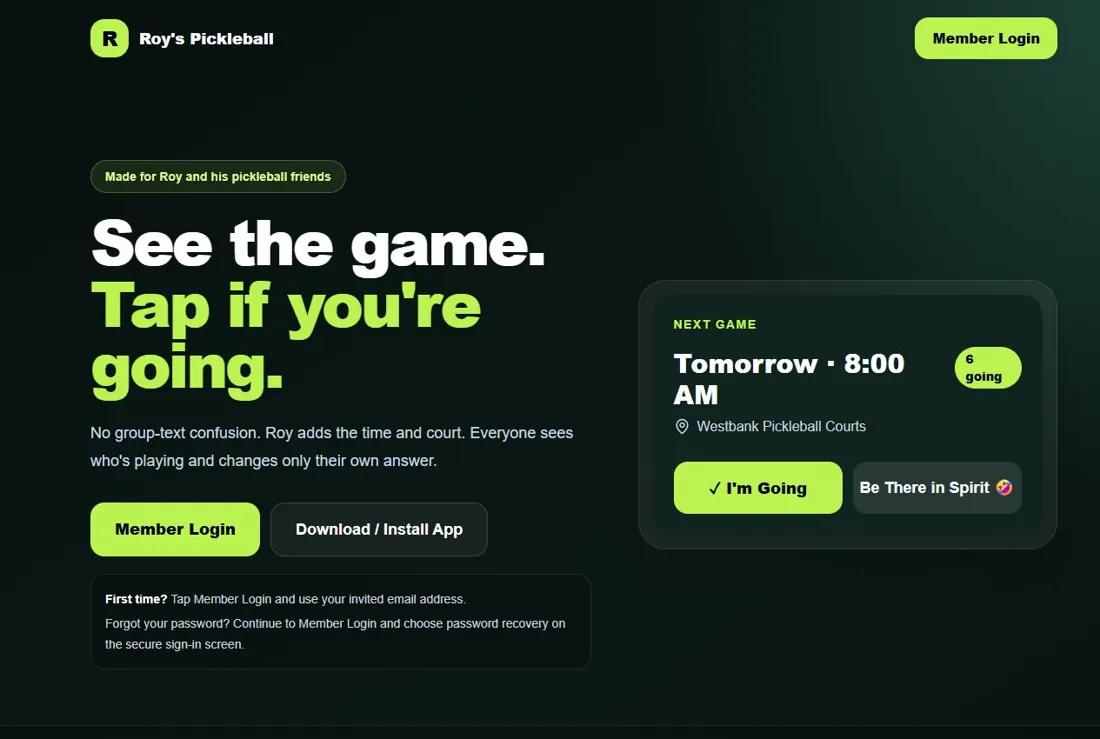 Public app overview
Roy’s Pickleball Scheduler
A focused scheduling app built for a pickleball group, rather than making the group work around a generic tool.
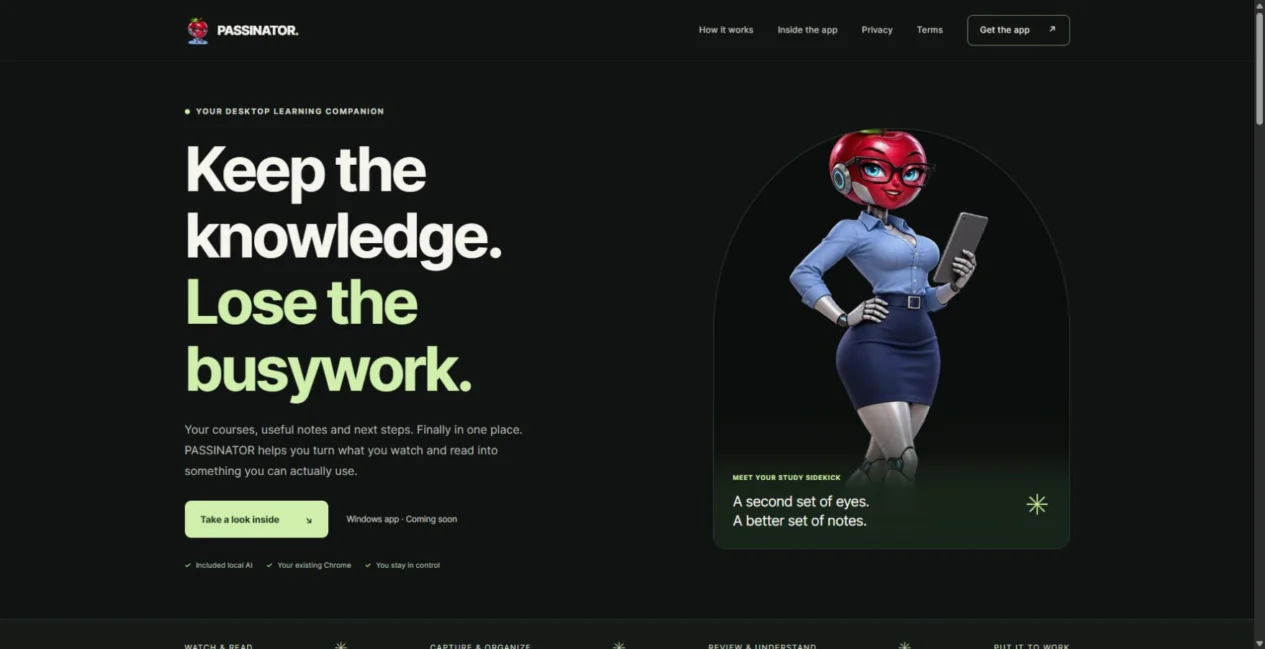 Product walkthrough · desktop app coming soon
PASSinator
A desktop learning companion bringing courses, notes and next steps together. Explore the public walkthrough; the Windows download is coming soon.
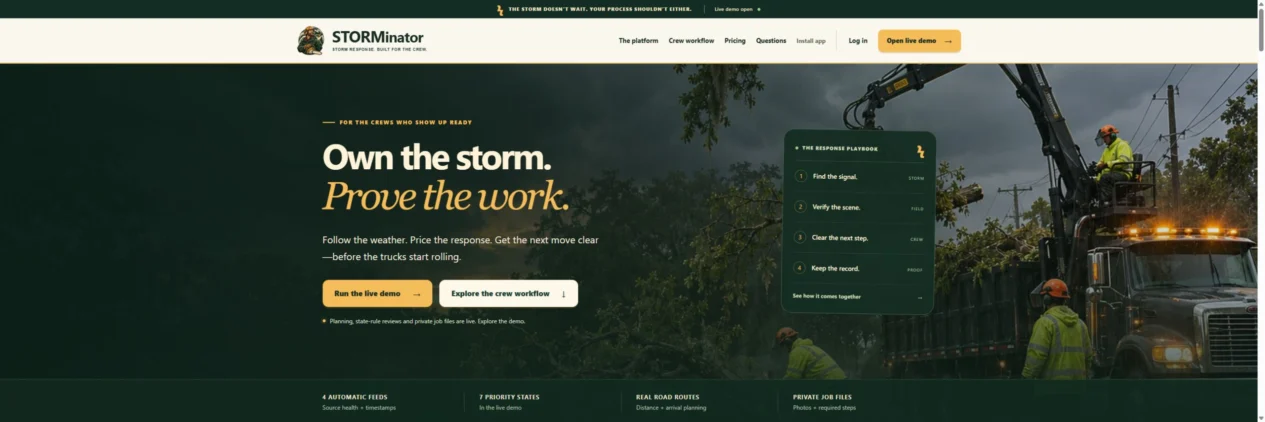 Public platform preview + live demo
STORMinator
Storm intelligence, road-route planning, equipment estimates and job documentation in one response platform. Explore the public demo and crew workflow.
Small demos.
Big “we could use that” energy.
Try a quote builder, a simple schedule, or a progress view. These are interactive examples with sample data. Nothing is sent, booked, or saved to a customer account.
to a clear estimate.
Illustrative amounts, not RankDat pricing. A real build follows your services, rules, and approval process.
easy to see.
Select a day for a sample project review.
Scheduling can fit a crew, a club, a family, rentals, or customer appointments. The actual workflow is scoped for you.
Know what needs attention.
Illustrative values only. These are not RankDat or client performance results. A real dashboard connects to the sources you authorize.
The starting point
Start with the people and process—not the feature list.
A custom app is useful when it solves a real problem that the current process or available tools do not handle well. That could mean collecting a customer request, preparing a quote, organizing job information or helping a team see what needs attention.
We begin by defining who uses the system, what information it needs, what decisions it supports and what should happen when something goes wrong. That gives the build a purpose and makes it easier to separate essential functionality from optional additions.
Apps can be standalone projects. They can also connect to a website and marketing journey or follow a consulting review that has identified the workflow problem.
What the work involves
Examples of systems we can discuss.
Customer-facing tools
Quote-request flows, intake tools, booking-related interfaces, calculators and portals. The scope depends on the users, data and integrations the business actually needs.
Internal workflow apps
Tools for organizing work, updating job information, tracking a defined process or reducing repetitive entry. Start with the current steps and the people responsible for them.
Dashboards
A useful view of agreed data sources and decisions. Define what each number means, how fresh it is and what action someone should take from the display.
Integrations
Connect appropriate forms, business tools and services where their APIs and access allow it. Confirm the available capabilities, limits and data responsibilities before promising a connection.
Automations
Move information or trigger an agreed next step when a defined event occurs. Include handling for errors, duplicates, missing information and situations that need a person.
AI-assisted workflows
Consider agents or AI-assisted features when there is a useful task and an appropriate review process. Define inputs, limits, privacy requirements and the decisions a person must retain.
A defined starting point
Define what is included before building.
A focused first version should cover the main user journey, required data, permissions, integrations and important failure cases. Features such as customer accounts, payments, file uploads or sensitive information change the requirements and need explicit planning.
Deployment and ownership matter too. The proposal should identify where the app runs, who controls the relevant accounts, what third-party services are required and what maintenance or support is included. A working demo is not automatically a production-ready system.
We can discuss different types of apps and business systems. The appropriate platform and implementation depend on the project; this page does not promise that every feature or third-party integration is available without limitations.
Decisions that matter
Questions that shape a useful specification.
| Requirement | What to establish | Design implication |
|---|---|---|
| Who uses it? | Customers, office staff, field teams or several roles. | Define screens, permissions and the primary journey. |
| What information is involved? | Inputs, files, records, data sources and retention needs. | Avoid collecting information the process does not need. |
| What must it connect to? | Existing tools, APIs, email or other business services. | Confirm access, limits and ongoing service costs. |
| What does finished mean? | Accepted workflows, testing, deployment and handoff. | Agree on support, responsibilities and known limitations. |
Put the approach to work
A useful change starts with a specific problem.
Illustrative example: a service business manually copying quote requests between email and a spreadsheet may first need a reliable intake form and a shared workflow. A custom app could organize the request, capture the right information and show its status. It should not add unnecessary complexity to a process that an existing tool can already handle well.
A good build also considers exceptions: incomplete requests, duplicate submissions, failed notifications and changes made by two users. Those details are part of making a system useful after the initial demonstration.
Before getting started
Clear answers before you decide.
Understand the scope, responsibilities and realistic expectations.
Can you build an app that is unrelated to marketing?
Yes. A custom app or business system can be a standalone project. We start by reviewing the actual use case and requirements.
Do we need a separate website or WordPress installation?
Not necessarily. The right structure depends on the application. A marketing website and an operational app can be connected without being the same system.
Can you add an AI agent?
We can assess an AI-assisted workflow where it fits the problem. Inputs, permissions, review requirements and provider costs need to be defined.
Can you give a fixed price before reviewing the process?
A meaningful estimate needs a defined scope. Users, integrations, data, security requirements, testing and ongoing support all affect the work.
Related services & resources
Explore the next useful step.
Start with your business
Let's work out what deserves attention first.
Send your website, main services and the problem you want to solve. We can discuss the next useful step.