
Build the Computer Around the Workload, Not the Sticker on the Box.
RankDat designs custom desktop and workstation systems around the software, file sizes, display needs, storage and performance demands the business actually has.
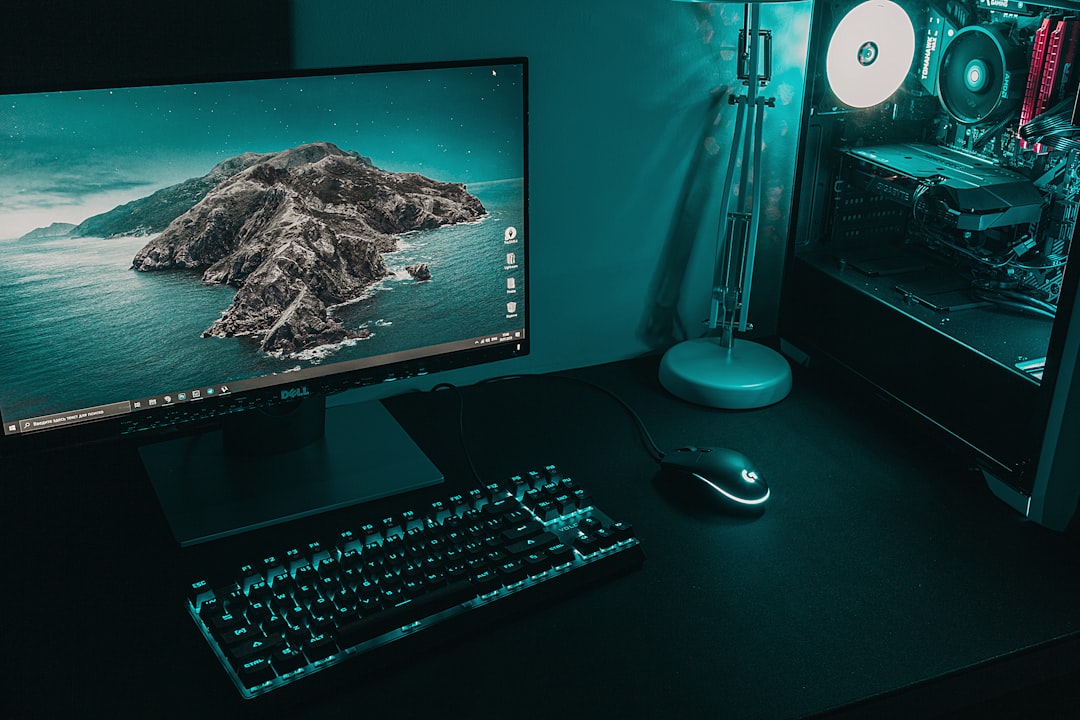
The Right Computer Depends on What You Need It to Do All Day.
A large-format print workflow, design workstation, office machine and high-performance production system should not be specced the same way.
CPU & Platform
Match processor performance to the applications and workloads that matter.
Memory
Size RAM around real files, multitasking and production requirements.
Storage
Balance fast working drives, capacity, backups and long-term organization.
Graphics
Choose GPU capability where acceleration, displays or rendering actually need it.
Reliability
Use a stable power, cooling and component plan instead of chasing flashy parts.
Upgrade Path
Leave room for sensible future growth where it adds value.
Start With the Work, Then Choose the Hardware.
Workload
Software, files, displays and bottlenecks.
Spec
Choose components around those needs.
Build
Assemble and configure the system.
Optimize
Set it up for the real production workflow.
Need a Computer Built for a Specific Business Workflow?
Tell us what you run and what is slowing you down now.